Self-hosting n8n with Docker Compose and Nginx
After securing my SSH and setting up Fail2Ban, my next major project was deploying a production-grade automation server. I chose n8n for its powerful workflow capabilities. In this post, I'll show you how I used Docker Compose and Nginx to route my local instance to the internet securely.
Prerequisites
Before starting, ensure you have:
- A VPS (I'm using DigitalOcean).
- Docker and Docker Compose installed.
- A domain managed via Cloudflare for DNS and proxying.
Step 1: Docker Compose Configuration
The heart of this setup is the docker-compose.yml file. By containerizing n8n, we ensure it stays isolated and easy to update.
version: '3'
services:
  n8n:
    image: n8nio/n8n
    restart: always
    ports:
      - "127.0.0.1:5678:5678"
    environment:
      - N8N_HOST=n8n.miane.tech
      - NODE_ENV=production
    volumes:
      - ~/.n8n:/home/node/.n8n
Step 2: Routing with Nginx Proxy
I use Nginx as a reverse proxy to bridge the local Docker container to the web. This allows me to handle SSL termination and provides an extra layer of security.
server {
    server_name n8n.miane.tech;
    location / {
        proxy_pass http://127.0.0.1:5678;
        proxy_set_header Host $host;
    }
}
Step 3: DNS & Cloudflare Security
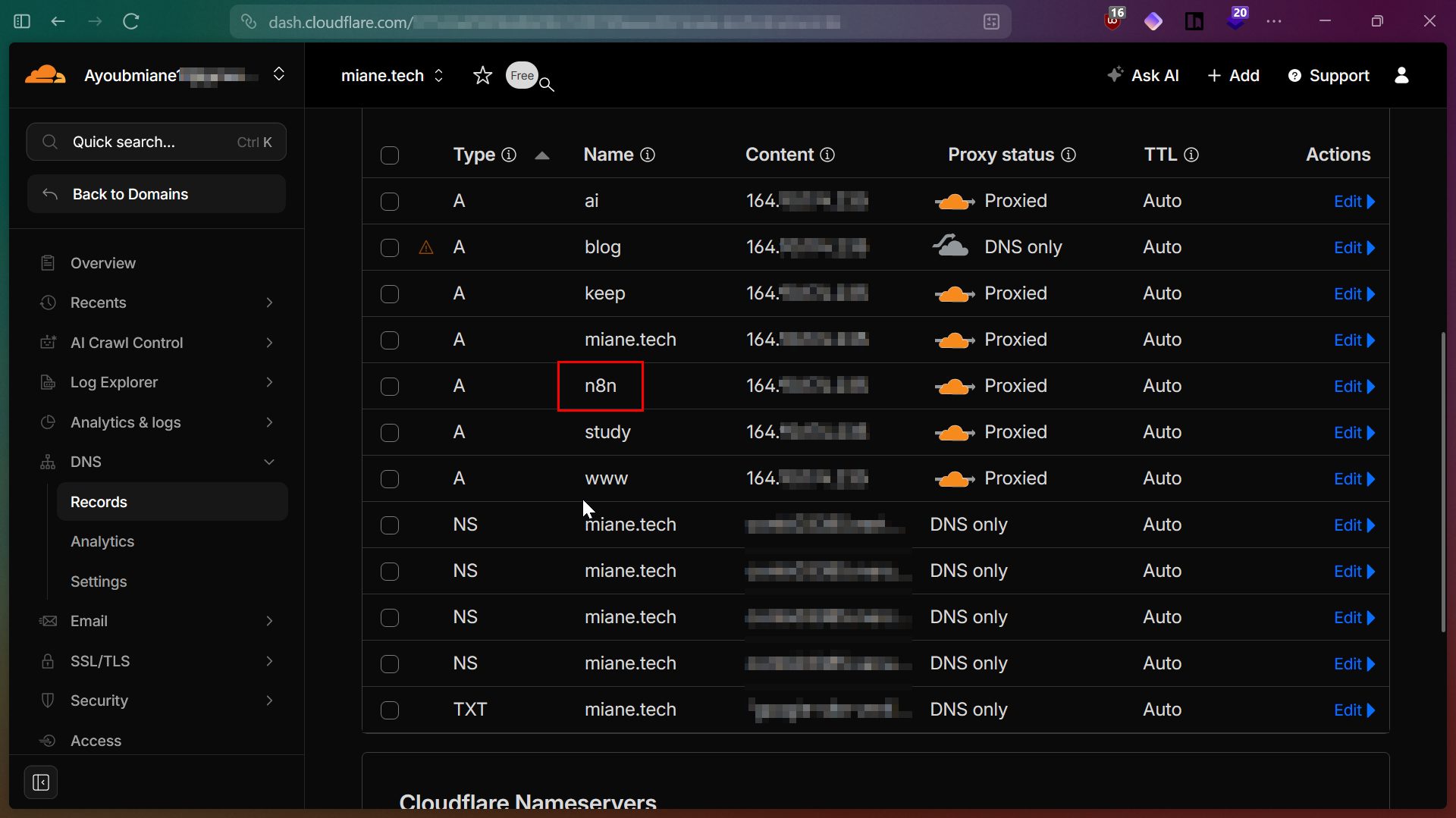
To keep my origin IP hidden, I set the n8n record to Proxied in Cloudflare. This ensures all traffic passes through Cloudflare's edge before reaching my server.
My DNS configuration showing the n8n subdomain successfully proxied.
Step 4: Final Result
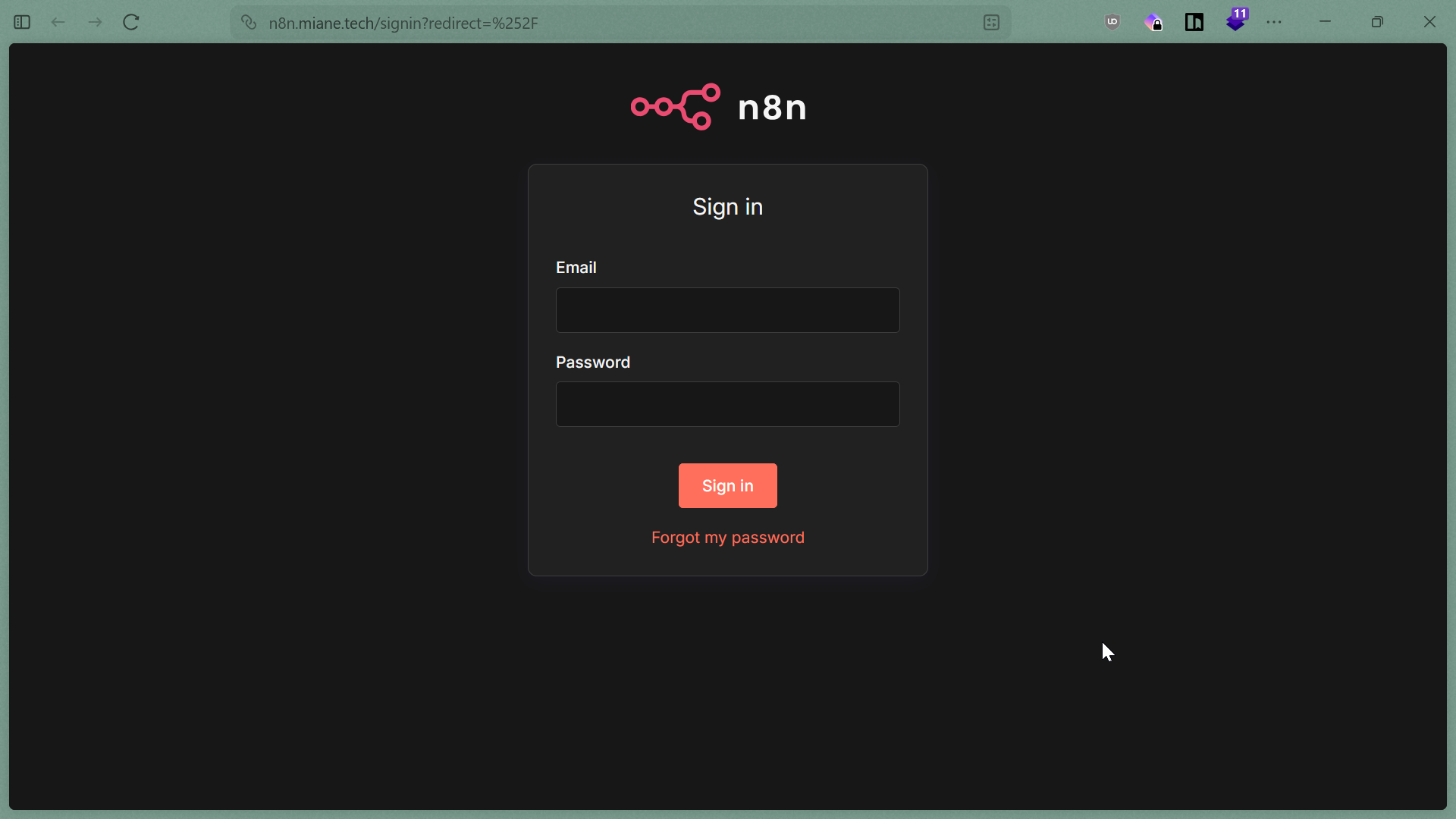
Once the stack is up, you should see the clean n8n sign-in interface at your domain.
The final result: n8n reachable at n8n.miane.tech.
Bonus: Automating with AI
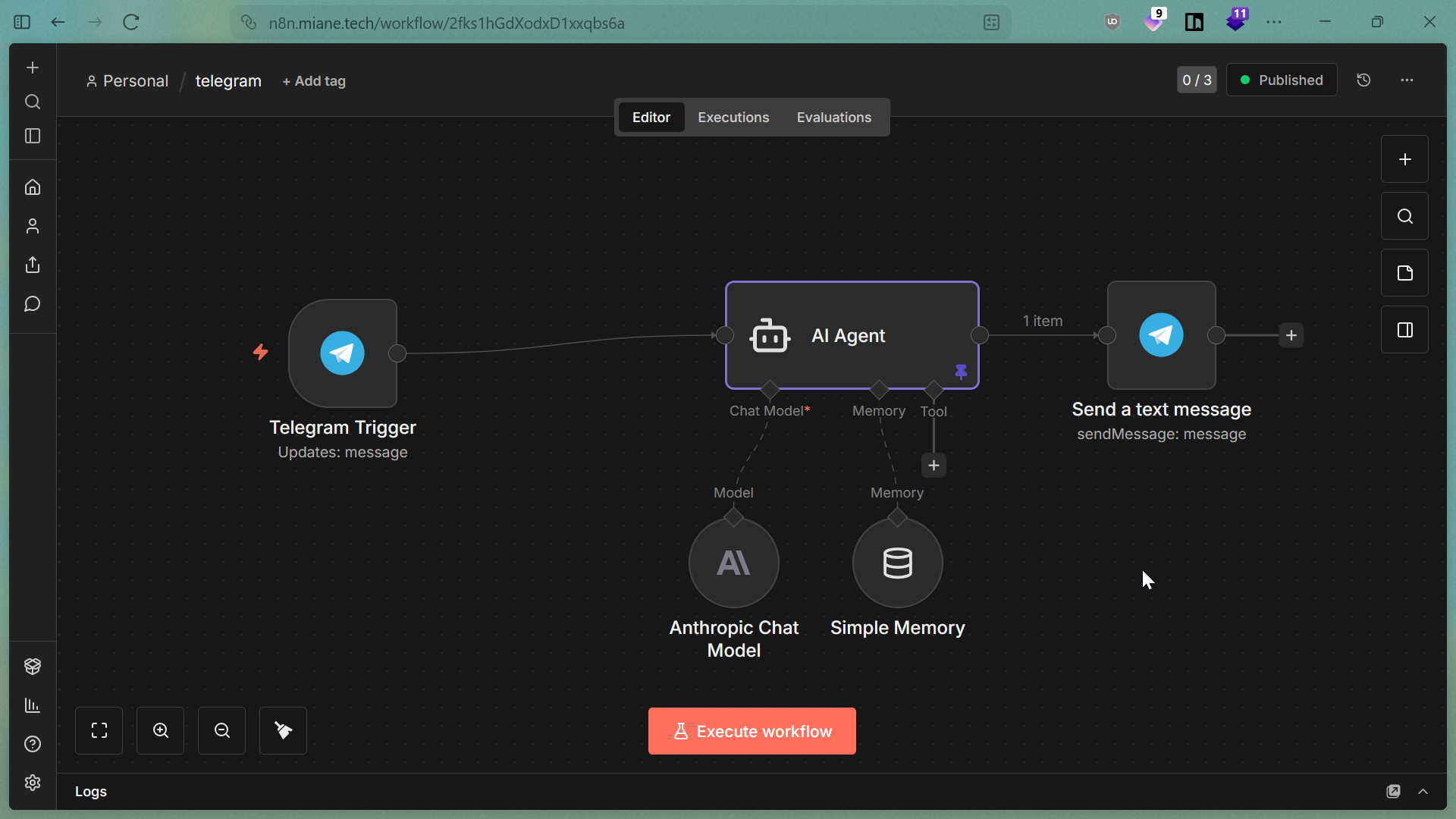
With n8n live, I've started building advanced workflows, such as this Telegram AI Agent that uses an Anthropic Chat Model to process messages automatically.
A sample AI agent workflow built on my self-hosted instance.