
Self-Hosting Karakeep
I recently stumbled upon a comment in the r/selfhosted subreddit that sparked my curiosity. It addressed a problem I face daily: the "bookmark bar mess." When you're deep into research or studying for exams, you often find goldmines of information, only to lose them in a cluttered browser UI.
This is where Karakeep (كراكيب) comes in. It’s a dedicated platform for saving bookmarks and notes that synchronizes across a browser extension and a mobile app.
Instead of using their hosted service, I decided to deploy it on my own infrastructure as a warmup for my upcoming DevSecOps exams.
The Deployment Workflow
I followed a standard production-grade stack to ensure the service is both performant and secure. Here is the step-by-step breakdown:
1. DNS & Networking
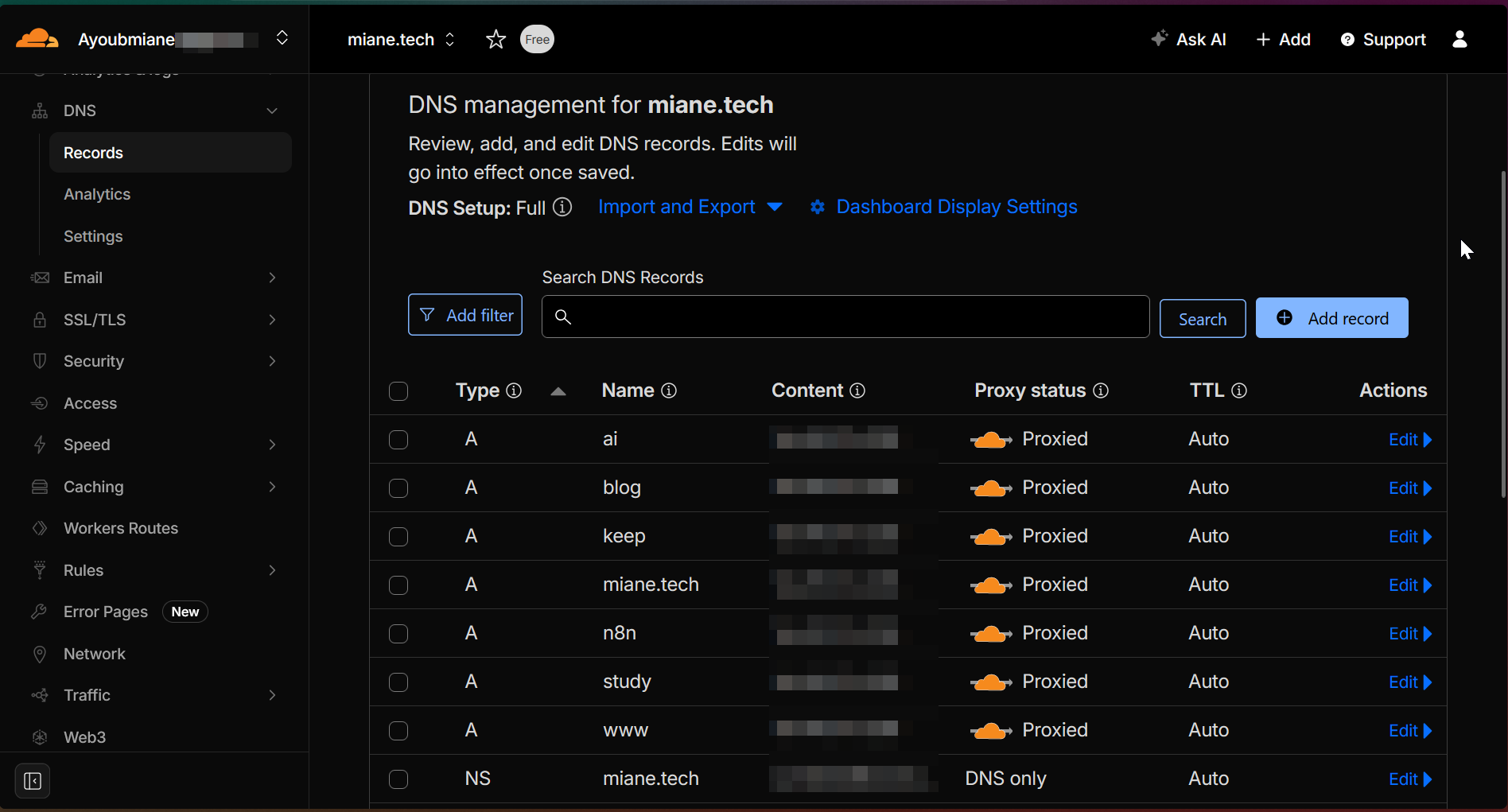
I started by creating a new A record for keep.miane.tech in Cloudflare, pointing it directly to my server IP.
2. Containerization
I pulled the official Karakeep image from Docker Hub. After a few tweaks to the docker-compose.yml to suit my environment variables and persistent storage needs, I spun up the container.
3. Reverse Proxy Configuration
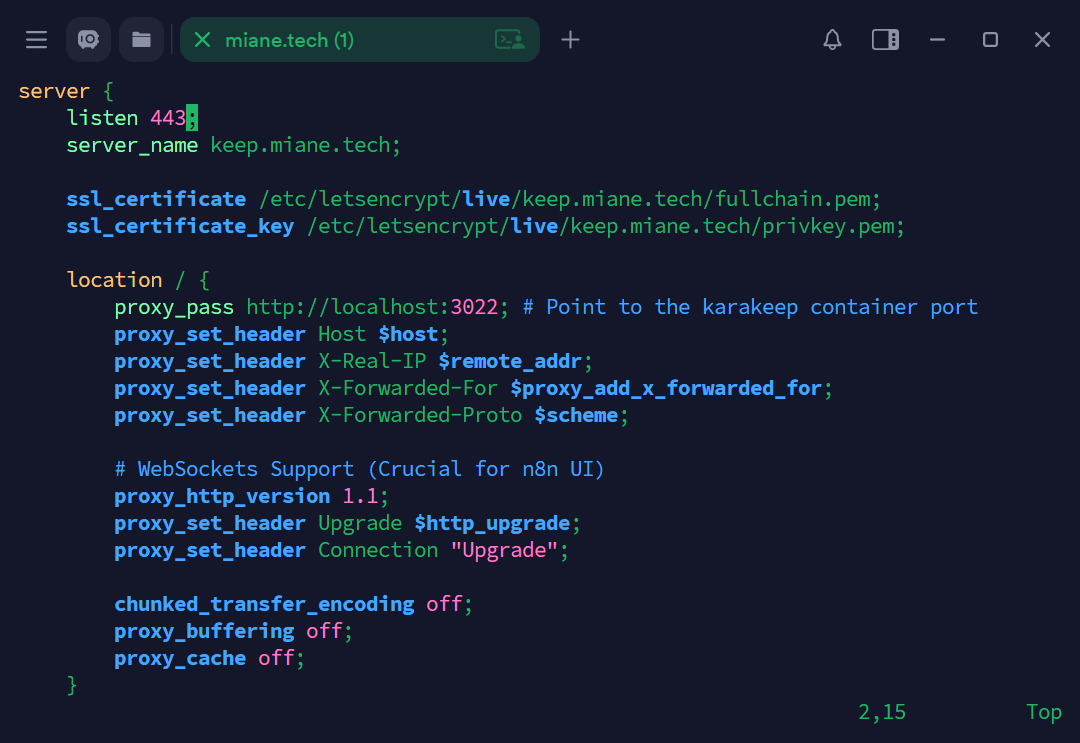
To handle the incoming traffic, I created a new virtual host configuration in Nginx:sudo vi /etc/nginx/sites-available/keep.miane.tech.conf
I configured it to proxy all traffic to the internal Docker port.
4. SSL Encryption
Security is non-negotiable. I used Certbot to generate a Let's Encrypt SSL certificate and automated the redirection from HTTP to HTTPS.
5. Infrastructure Hardening
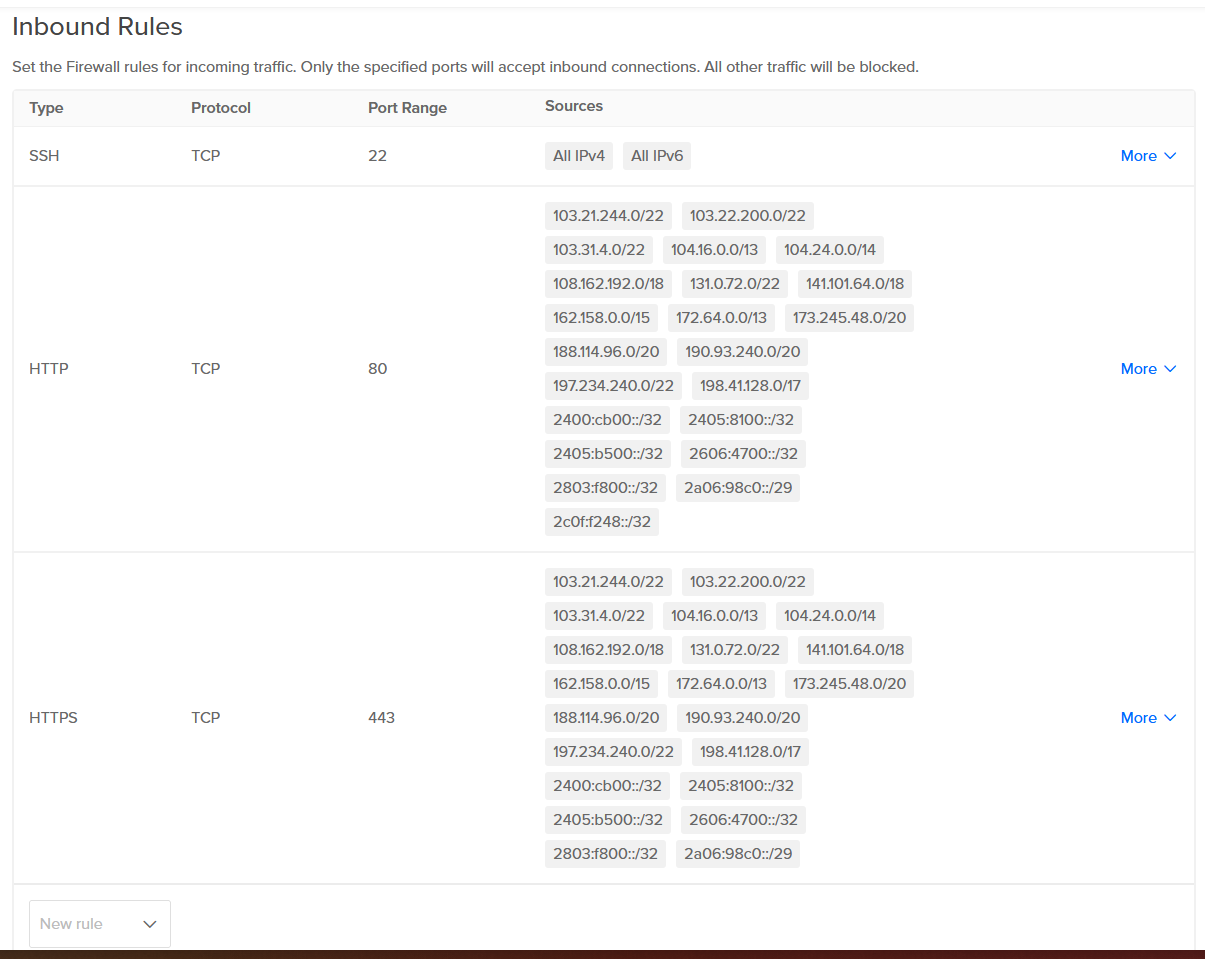
The final, and most important step, was hardening the DigitalOcean firewall. I configured it to drop all traffic except for requests coming from Cloudflare's IP ranges. This "hides" my origin server IP from the public internet and prevents direct-to-ip attacks.
Key Takeaways
This project was a great exercise in managing the full lifecycle of a self-hosted app—from DNS propagation to edge security.
The Tech Stack:
- Orchestration: Docker
- Web Server: Apache2
- Security: Let's Encrypt, Cloudflare, DigitalOcean Firewalls
- OS: Linux (Ubuntu)
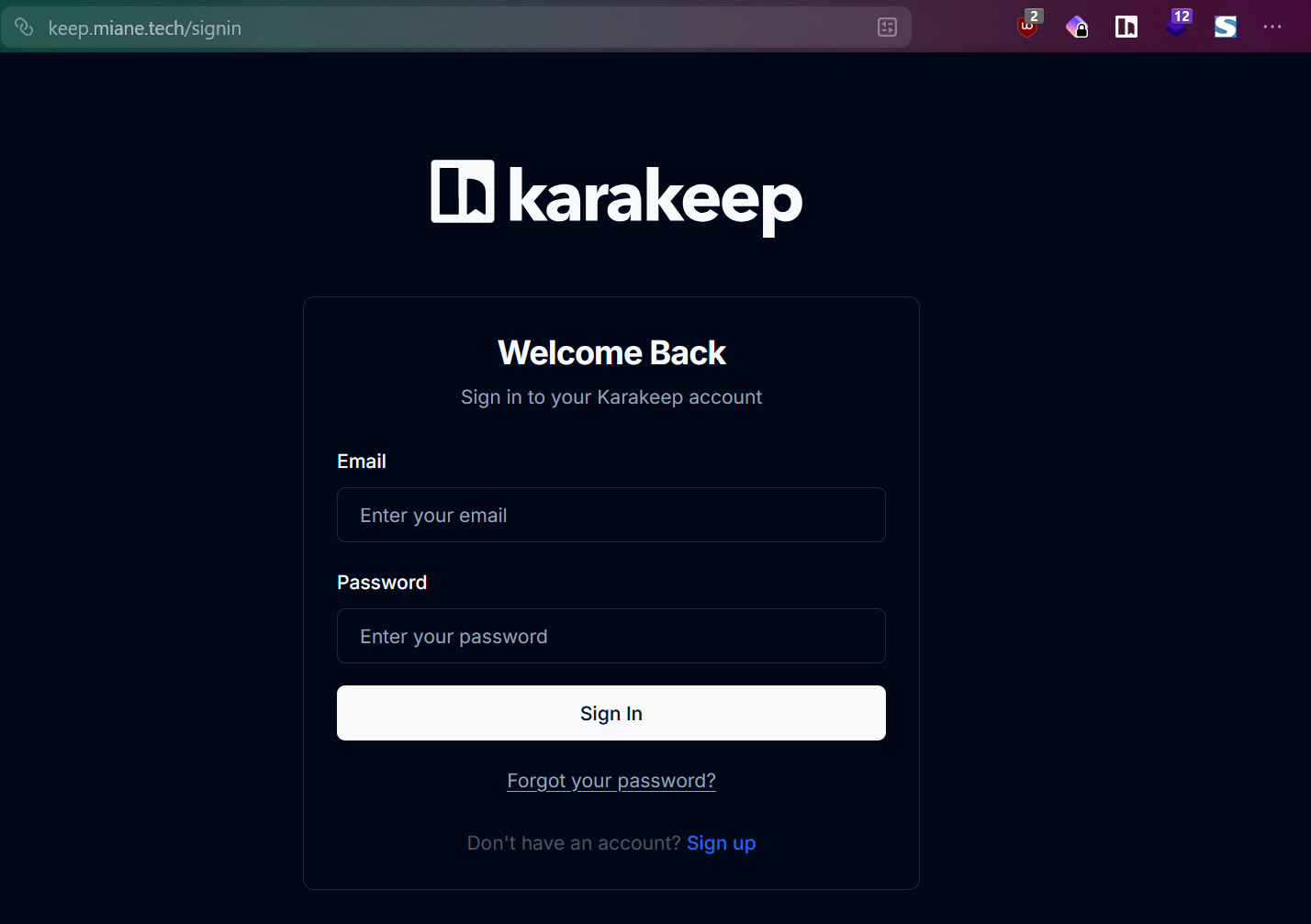
I hope this overview helps anyone looking to reclaim their bookmarks bar!